
How to Prepare Your Family’s Mobile Devices for Sudden Power Outages
When unexpected blackout warnings are issued, taking proactive steps ensures your mobile devices remain active throughout the emergency. Review the main guide to build a complete outage readiness plan.
Step 1: Fully Charge All Primary Storage Batteries
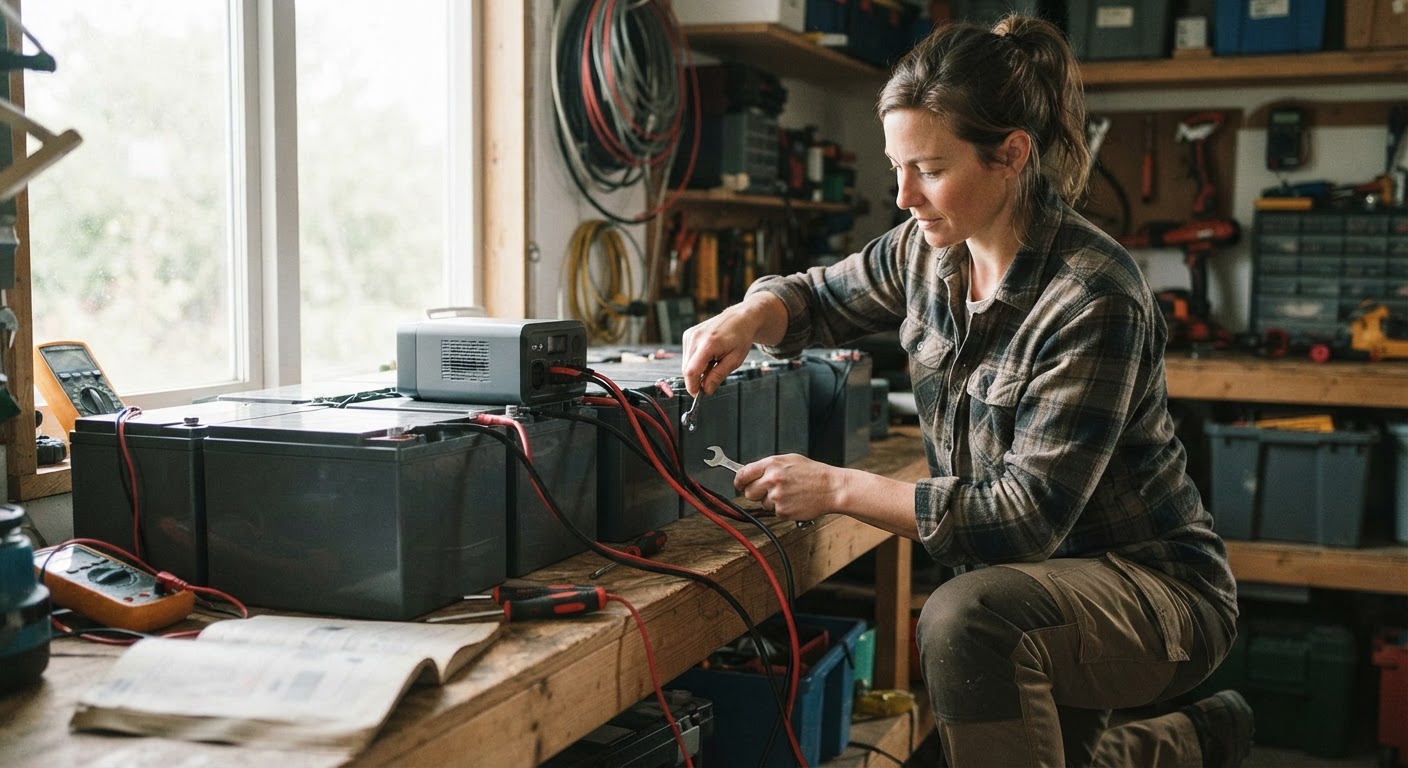
Plug your central backup battery banks into AC wall outlets immediately upon receiving severe weather alerts. High-capacity power packs with a 42800 mAh premium Li-polymer battery require a full wall charge time of approximately 8-12 hours to reach maximum capacity. Ensure all secondary back-up devices are topped off before utility power cuts out.
Step 2: Consolidate Emergency Cables and Adapters

Gather essential charging cords for every family member's brand of smartphone and tablet. To simplify gear management, utilize battery systems equipped with Built-in 4 charging cables (iOS, USB-C, Micro USB) so you never waste critical time searching for compatible attachment cords in total darkness.
Step 3: Configure Mobile Power Saving Settings
Turn down screen brightness on all smartphones, enable low-power battery mode, and close non-essential background applications. Turn off location services, Wi-Fi searching, and Bluetooth unless active connectivity is required. Disabling unnecessary background tasks significantly reduces battery draw.
Step 4: Set Up Multi-Device Emergency Charging Stations
Establish a single centralized staging area in your home equipped with your primary power bank. Utilize systems that support charging 7 devices simultaneously featuring 15 Watts Fast Charging and wireless charging capability. Position the unit's integrated solar panel for emergency recharging near a sunny window to capture supplementary solar power during daytime hours.
Read the full guide: Essential Gear for Emergency Power Outages: The Ultimate Backup Guide